Connect Your Analytics in Seconds
Plug Cam-Shot AI into Google Analytics, Meta Pixel, GTM, or Clarity. Just enter your measurement ID—no OAuth, no code, no hassle.

Google Analytics
Connect Google Analytics to track your gallery traffic.

Meta Pixel
Connect Meta Pixel for advanced marketing insights.

Google Tag Manager
Connect GTM to manage all your analytics tags easily.

Microsoft Clarity
Connect Clarity for session replays and heatmaps.
Key-based integration • No code required • Disconnect anytime
Why Connect Analytics?
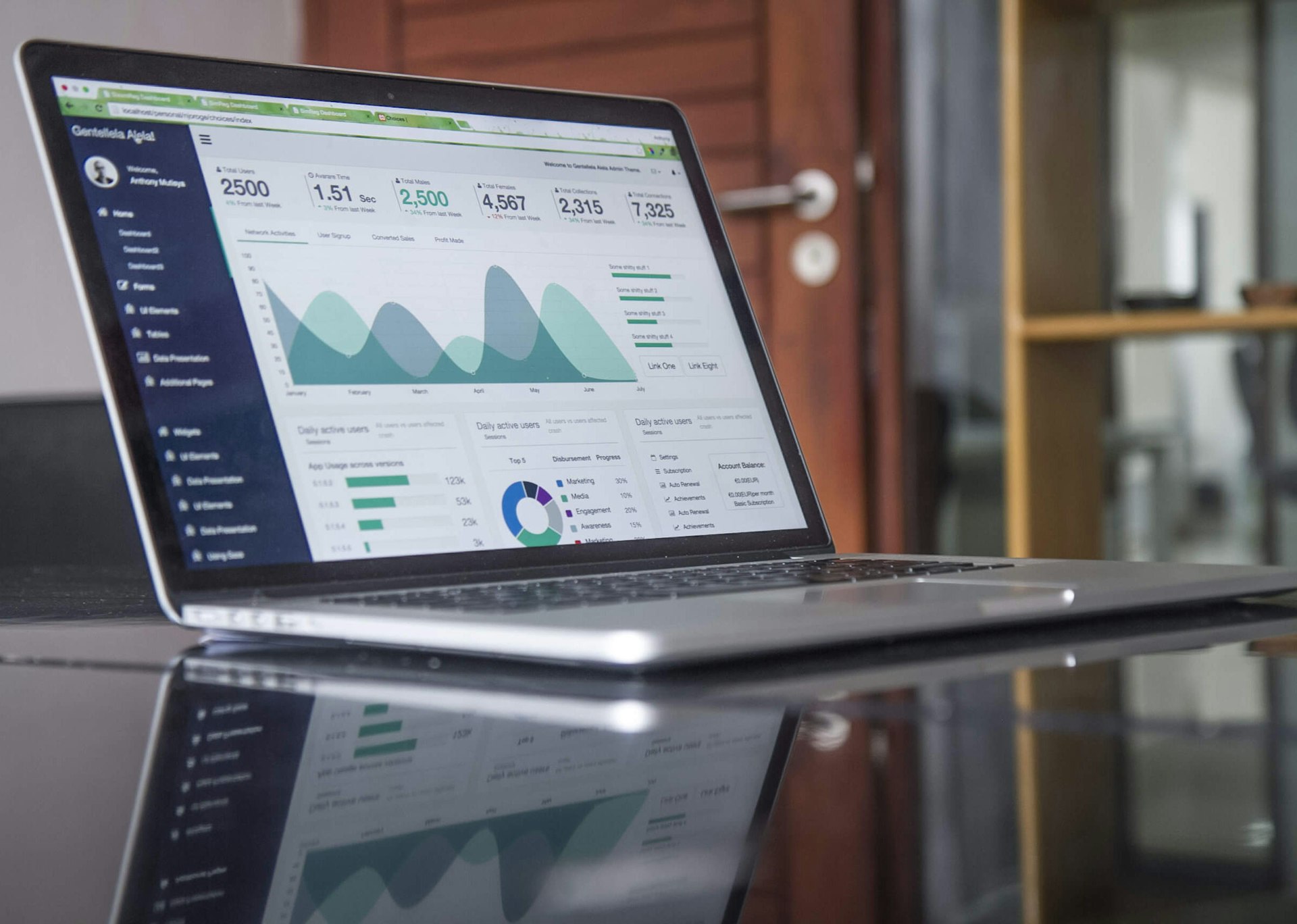
Instant Insights
Get real-time analytics on your gallery traffic and user behavior—no waiting, no code.
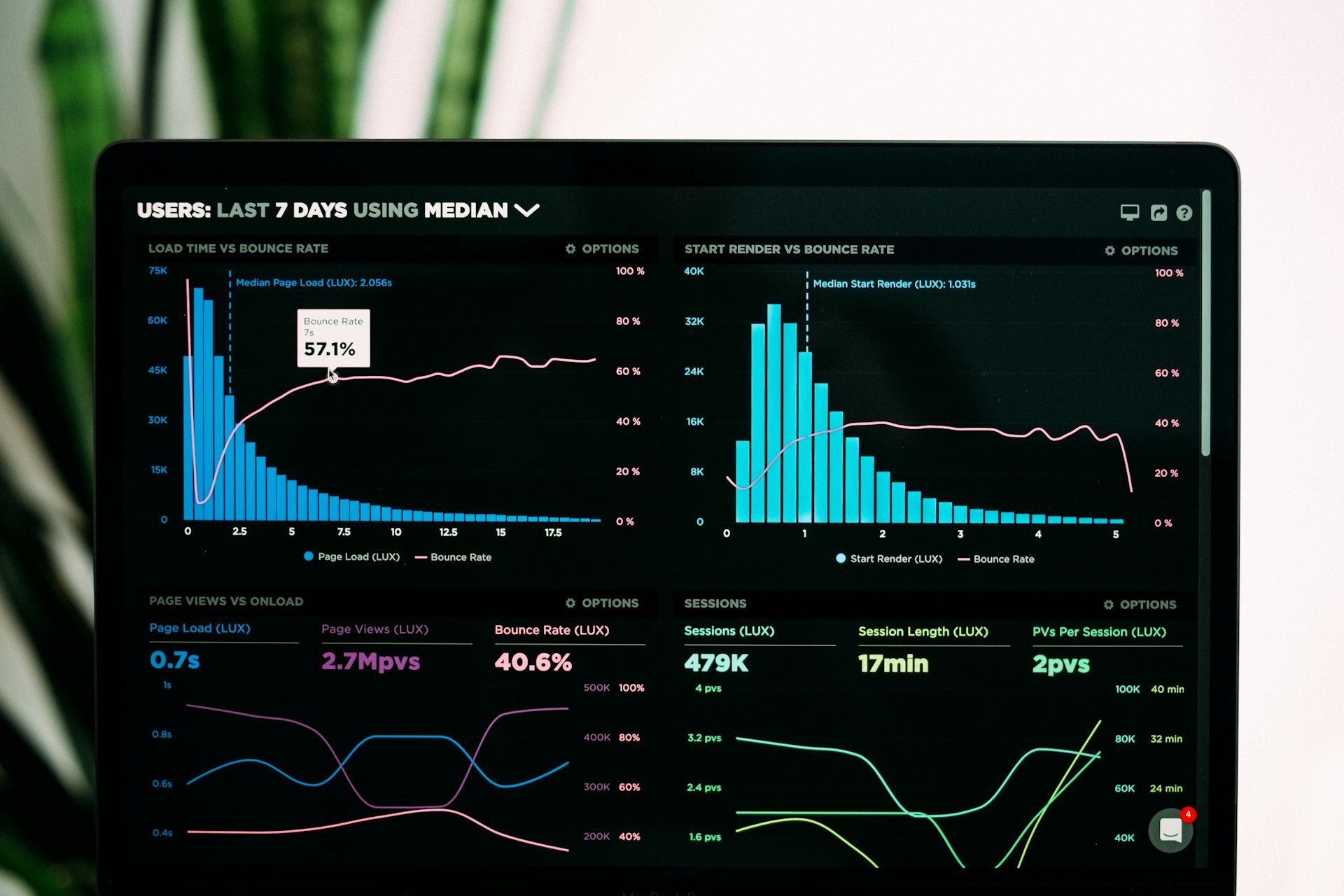
Easy Setup
Just paste your measurement ID. No OAuth, no developer required, works in seconds.
Privacy-Safe
Your data and your visitors' privacy are protected with industry best practices.
Multi-Platform Tracking
Connect Google Analytics, Meta Pixel, GTM, and Clarity all in one place.
How It Works
Choose Provider
Select Google Analytics, Meta Pixel, GTM, or Clarity from the integrations list.
Enter Measurement ID
Paste your unique key or ID—no OAuth or developer setup required.
Activate Integration
Click Save. Your analytics tool is now live and tracking instantly.
View Insights
See real-time data in your analytics dashboard. Optimize your gallery with confidence.

Security & Compliance
Your analytics data and privacy are protected with industry-leading standards.
No Password Storage
We never store your analytics account credentials—just the measurement ID you provide.

Encrypted in Transit
All data sent to and from Cam-Shot AI is protected with TLS 1.3 encryption.
GDPR & CCPA Ready
Full compliance with global privacy standards. Data subject controls available anytime.
Easy Disconnect
Remove your analytics integration at any time with a single click—no data left behind.
Analytics Integration Questions
Everything you need to know about analytics integrations
How do analytics integrations work?
Connect Google Analytics, Meta Pixel, or other analytics platforms to track gallery views, photo downloads, guest engagement, and conversion metrics. All data flows directly to your analytics dashboard.
What metrics can I track?
Track gallery views, photo downloads, guest engagement, conversion rates, device types, geographic data, and custom events. All standard analytics metrics are available.
Do I need to add code to my galleries?
No! Once you connect an analytics platform in your dashboard, Cam-Shot AI automatically adds the tracking code to all your galleries. No manual coding required.
Can I use multiple analytics platforms?
Yes! You can connect multiple analytics platforms simultaneously. For example, use Google Analytics for detailed insights and Meta Pixel for Facebook advertising optimization.

Is my data secure?
Yes! Analytics integrations use secure, encrypted connections. We only send anonymized event data to your analytics platforms. No personal information is shared.

Explore Other Integrations
Explore related features and solutions
